
You hold your smartphone, open the app store, and type Cosmolot into the search bar. What happens next depends on what appears on the screen: a dedicated app page with ratings and screenshots, an empty search result, or a button that takes you somewhere outside the store. This is where the mobile Cosmolot experience begins. What matters here is not what the service promises, but how to access it and how the app differs from an ordinary browser tab.
This article is based on publicly available information that can be checked externally: the App Store app page, its version history, and publicly available descriptions. Anything that could not be confirmed is stated directly. I have not replaced missing information with made-up impressions from "personal testing."
App Store Search: What You See Before Installation
For iPhone users, the situation is the most transparent. The Ukrainian App Store has an app page for Cosmolot in the "Casino" category. The developer is listed as SPACEIKS, TOV, the app is free, and the age rating is 18+. The interface is available in Ukrainian, English, and Russian, while the size at the time of checking was 75.4 MB. The page indicates that the app is designed only for iPhone, so the store does not offer a separate iPad version. The minimum system requirement is iOS 16.0, meaning owners of older devices will not be able to install it.
The rating on the page is 4.2 out of 5 based on 622 ratings. The figure is not bad, but by itself it does not prove anything: five to six hundred ratings is a relatively modest sample for an app from a well-known brand. The store also shows that the app is among the top ten free apps in the "Casino" section, ranking tenth at the time of checking. This is a useful popularity indicator, but not a measure of quality.
How can you distinguish the official app from copies? The store page links to the developer's website and privacy policy on the brand's domain, and this match is worth checking. A more reliable approach is to enter the store through the button on the official website and then verify the developer name on the app page. The name in search results may match other apps, while the combination of "developer plus a link to its own website" is much harder to fake.
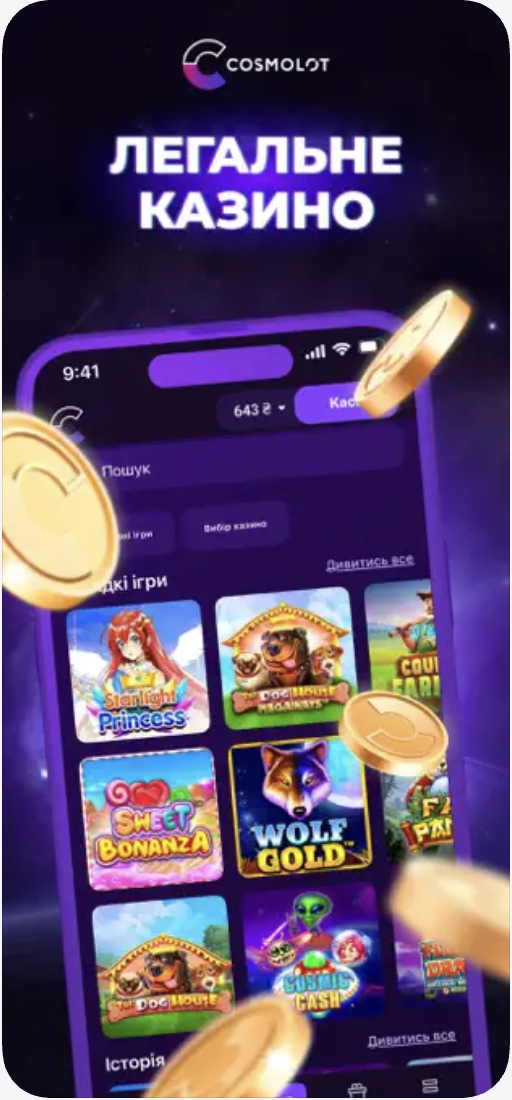
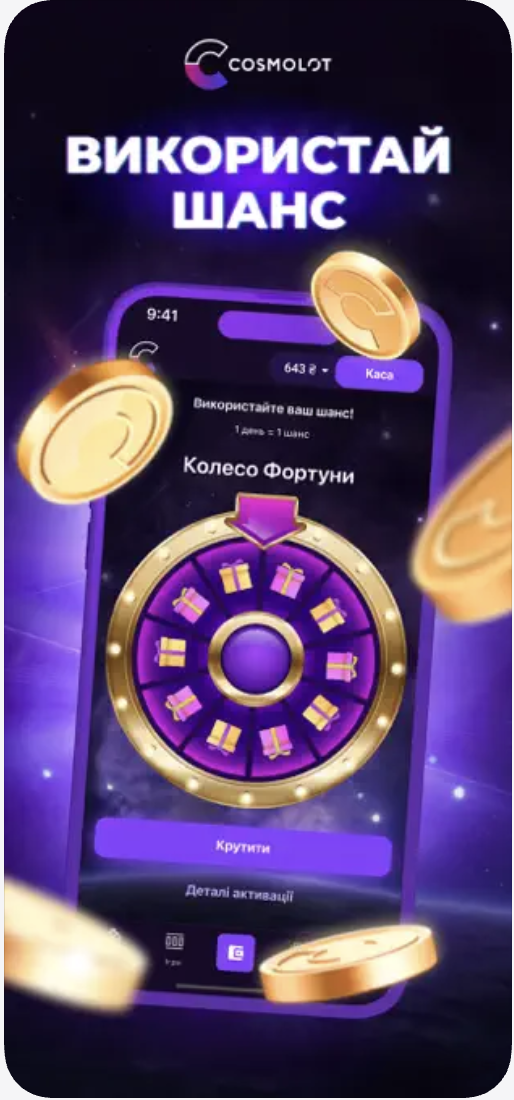
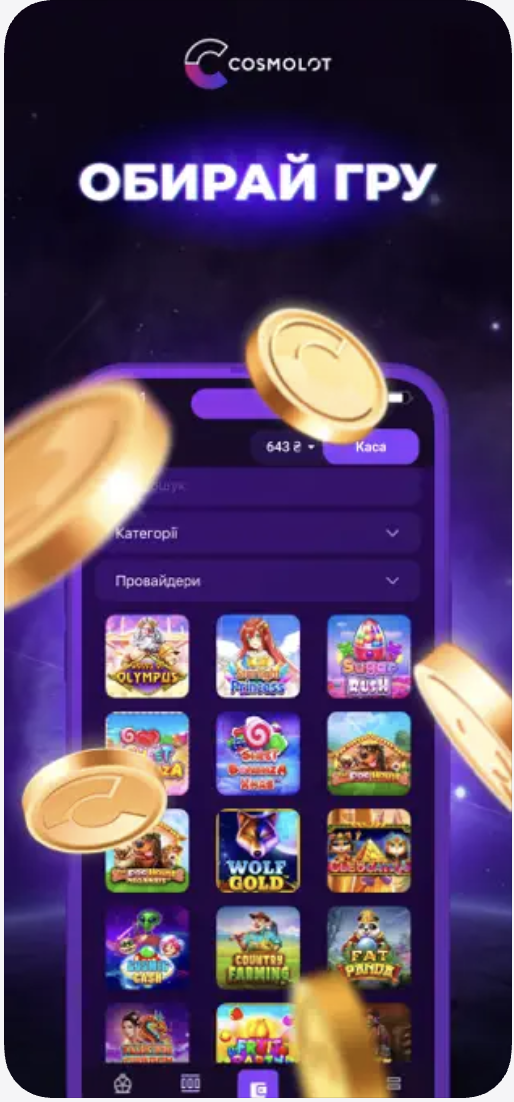
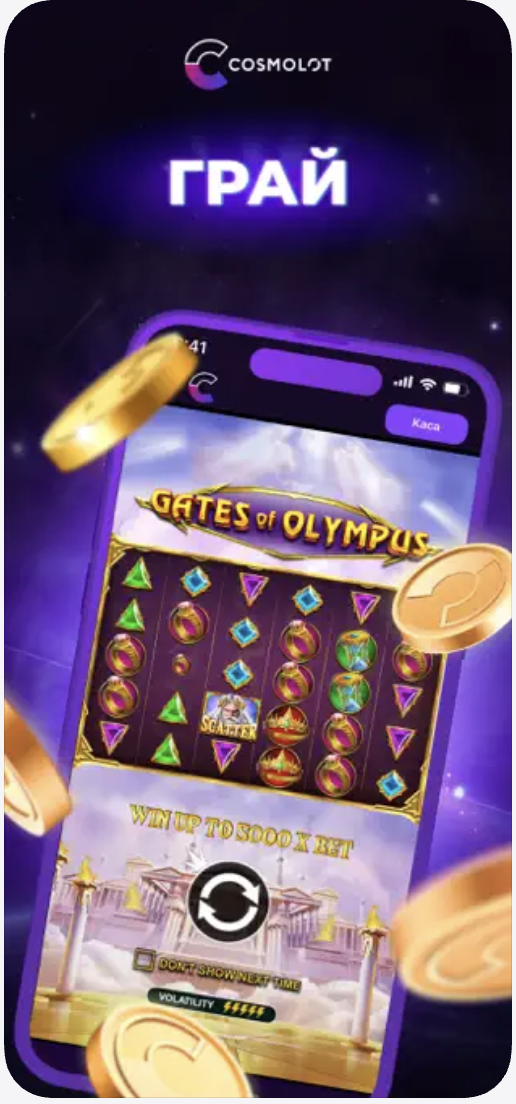
The description on the page is written in a marketing style, but several facts can be extracted from it. The developer mentions a daily "Wheel of Fortune" that provides promo codes for use on the website and states that round-the-clock technical support is available. At the end, there is a standard warning about the risk of gambling addiction and a reminder about responsible gambling. The screenshots could not be opened in a viewable format, so I do not describe them. Look at them yourself: do they show actual app screens or promotional illustrations, and can you see the menu, catalog, and profile?
Reviews deserve a separate mention. The page itself shows only a few short reviews from late 2023, all positive, with developer responses. This is not enough to talk about recurring problems or advantages: I did not see a complete list of reviews that could be sorted by date. Third-party rating sites, which often contain affiliate links, more frequently mention disputed situations involving verification and withdrawals to an incorrect card. According to one review, most disputed situations are related to verification and withdrawals to the wrong card. This is not an assessment of the app itself, but it does show what is worth paying attention to before the first login.
Updates: How Often Does the App Change?
The version history provides more information than the reviews. Since June 2025, sixteen releases have appeared, from 1.6 to 1.7.3, with the latest version dated September 1. The pace is roughly one release per month, with a pause in early spring and summer. Most notes are typical: "more stable and faster," without detailed explanations. However, older entries show how the product has evolved:
- notifications and verification through "Diia" were introduced in February and March 2024;
- a lobby organized by slot providers was later added, along with changes to the navigation menu;
- in spring 2024, the app received promotions and tournaments with participation terms, as well as the ability to launch slot demos and browse sections without registration;
- in April of the current year, a message list accessible through the bell icon on the main screen was added, along with an updated Glass-style design.
This shows that the developers are paying attention to navigation and usability rather than only fixing bugs. However, official release notes cannot replace hands-on testing: whether the menu has actually become more convenient can only be determined in practice.
Google Play and Android: What Is Known and What Is Not
The Android situation is less clear. I was unable to confirm an app page in Google Play. Third-party websites disagree: some say that Android is available only as an APK file on the official website, while others mention Google Play. Some descriptions claim that the Android version is downloaded from the website as an APK, while iOS has an App Store version. The operating system requirements and file size also differ across these descriptions: figures ranging from Android 4.4 to 6.0 are mentioned. Therefore, in this review I do not state a minimum Android version, file size, or rating because there is no reliable source for them.
The practical conclusion is straightforward. If the Android version is actually installed from a file, this means installing it from an "unknown source." In that case, you lose what the store provides: developer verification, a page with ratings and reviews, and automatic updates. Responsibility for the origin of the file falls on you, and there are plenty of fake APKs with similar names online. The only sensible approach is to open the official website directly in a mobile browser, without following links from questionable pages, and download the file from there. If there is no such section on the website, staying with the browser is simpler.
After Installation: What Is Available in the App?
Here I am limiting myself to what is confirmed by the description and version history rather than inventing impressions of the main screen. According to the notes for version 1.5.0, the app allows users to browse sections without registration and launch slot demos. This is an important detail: you can assess the speed, menus, and general appearance without creating an account. The first impression of the Cosmolot app is formed precisely at this stage.
Verification through "Diia" is another notable feature, described by the developer as an instant way to confirm identity. For Ukrainian users, this can be convenient because instead of photographing documents, only a few taps are required. I could not verify exactly how this process works from a screen-by-screen perspective.
Here is what can be confirmed about the app's features:
- Browsing sections and launching demos without registration.
- Verification through "Diia".
- Provider-based lobby and an updated navigation menu.
- Promotions and tournaments with participation terms.
- Notifications and access to a message list.
- Daily "Wheel of Fortune" with promo codes.
Everything else, including payments, profile settings, and support, cannot be confirmed by me. The app description only states that 24/7 support is available, while the public store page provides no information about deposit methods. Third-party reviews mention bank cards, but these are older and contradictory sources and should not be relied upon.
Regarding security, it is only possible to state what the developer itself has indicated in the App Store privacy card. Identifiers and diagnostic data may be used to track activity across apps and websites owned by other companies. Information associated with you includes your email address, phone number, user and device identifiers, as well as crash and performance data. Apple notes that it has not verified this information. Such a store privacy card is more useful than any advertising promise of "complete security" and is worth reading before installation.
Mobile Website: What to Expect and How to Check It
The developer's website is designed to work in a mobile browser, and this is the only truly universal option. It works on any smartphone: nothing needs to be installed or updated, and there is no need to track system version requirements. For Android users who do not want to install an APK and for iPad users, it is effectively the main option.
The details of the Cosmolot mobile website are not clear from public information. The menu layout, catalog speed, and differences from the desktop version have not been confirmed. Third-party reviews in this regard are either too general or contradict one another. Instead of making unsupported conclusions, here is what is worth checking yourself during the first few minutes:
- whether the menu can be opened with one hand and whether the main buttons are easy to reach with your thumb;
- how quickly games can be found and whether the filters work, including provider filters;
- whether the screen is overloaded with banners and whether it is clear where advertising ends and the catalog begins;
- whether it is easy to move from the catalog to the profile and back;
- whether the website address is displayed correctly in the browser and whether the connection is secure before entering any data.
The last point is especially important: on a mobile browser, the address is less visible than on a computer, and fake pages often rely on users not paying enough attention.
App or Browser: Different Tasks
It would be unfair to rank the two options because they are not competing with each other; they solve different tasks. The iPhone app has obvious advantages that follow from the nature of the application itself. It is pinned to the home screen, can provide notifications, which are explicitly mentioned in the version history, receives updates through the store, and has a clear page showing the developer, age rating, and privacy policy. For someone who uses the service regularly, this can save time on repeated logins. Verification through "Diia", mentioned in the updates, is also described specifically in connection with the app.
The browser is stronger where the app is limited. It does not require iOS 16 or later, does not take up device storage, does not depend on whether an app is available for your platform, and remains the obvious option for devices on which the app cannot be installed. For a one-time visit, a quick check of a promotion, or a situation where you are using an older or borrowed phone, the browser may be sufficient. The downside is that there are no store-based notifications, while repeated logins depend on how data is saved in the browser.
In short, the app is more convenient for regular use, while the browser provides greater flexibility and works better for occasional visits.
Mobile Format: Quick Reference
| Parameter | What is known |
|---|---|
| iOS | iPhone app, requires iOS 16.0 or later, size 75.4 MB |
| App Store | Developer SPACEIKS, TOV; free; 18+; rating 4.2 out of 5 (622 ratings); tenth among free apps in "Casino" |
| Android | No confirmed description from the developer found; third-party sources mention an APK from the website |
| Google Play | The app page could not be confirmed |
| Mobile version | Developer's website; interface details have not been verified |
| Authorization | Verification through "Diia" is mentioned in the app's update history |
| Game catalog | Provider-based lobby, updated navigation menu, demo versions without registration |
| Payments | Not confirmed by primary sources |
| Support | 24/7 support is stated by the developer in the description |
| Updates | Version 1.7.3 dated September 1; sixteen releases since June 2025 |
Conclusion
The smartphone user journey looks like this. On iPhone, it starts with a search in the App Store, where there is a page showing the developer, rating, description, privacy information, and version history. This is followed by installation, the ability to browse sections and demos without registration, verification through "Diia", and everyday use with notifications. This is the most transparent part of the Cosmolot mobile experience because it can be confirmed directly.
On Android, the picture is less clear: there is no confirmed Google Play page, while third-party sources mostly mention installation from a file on the official website. This requires caution and working only with a verified source. The mobile website remains a practical alternative, but its details should be assessed independently: menu structure, search speed, one-handed usability, and navigation between the catalog and profile.
In short, the app makes sense for regular use on iPhone, while the browser offers greater flexibility, works for Android users who do not want to install an APK, and is suitable for devices where the app is unavailable. What public information does not reveal — payments, the full feature set, and the actual appearance of the screens — should be checked independently rather than taken on trust from any review, including this one.
About this text: only the App Store data has been confirmed directly. Google Play, the Android version, payments, and details of the mobile website could not be confirmed: third-party websites contradict each other, so these points are marked as unknown in the table and text. I also did not create any personal experience on behalf of the author. The length is close to the lower end of the requested range, with fewer than 15 keyword occurrences in the text. If necessary, the material can be formatted as a file or the browser section can be expanded once screenshots or access to the pages that could not be verified are provided.